
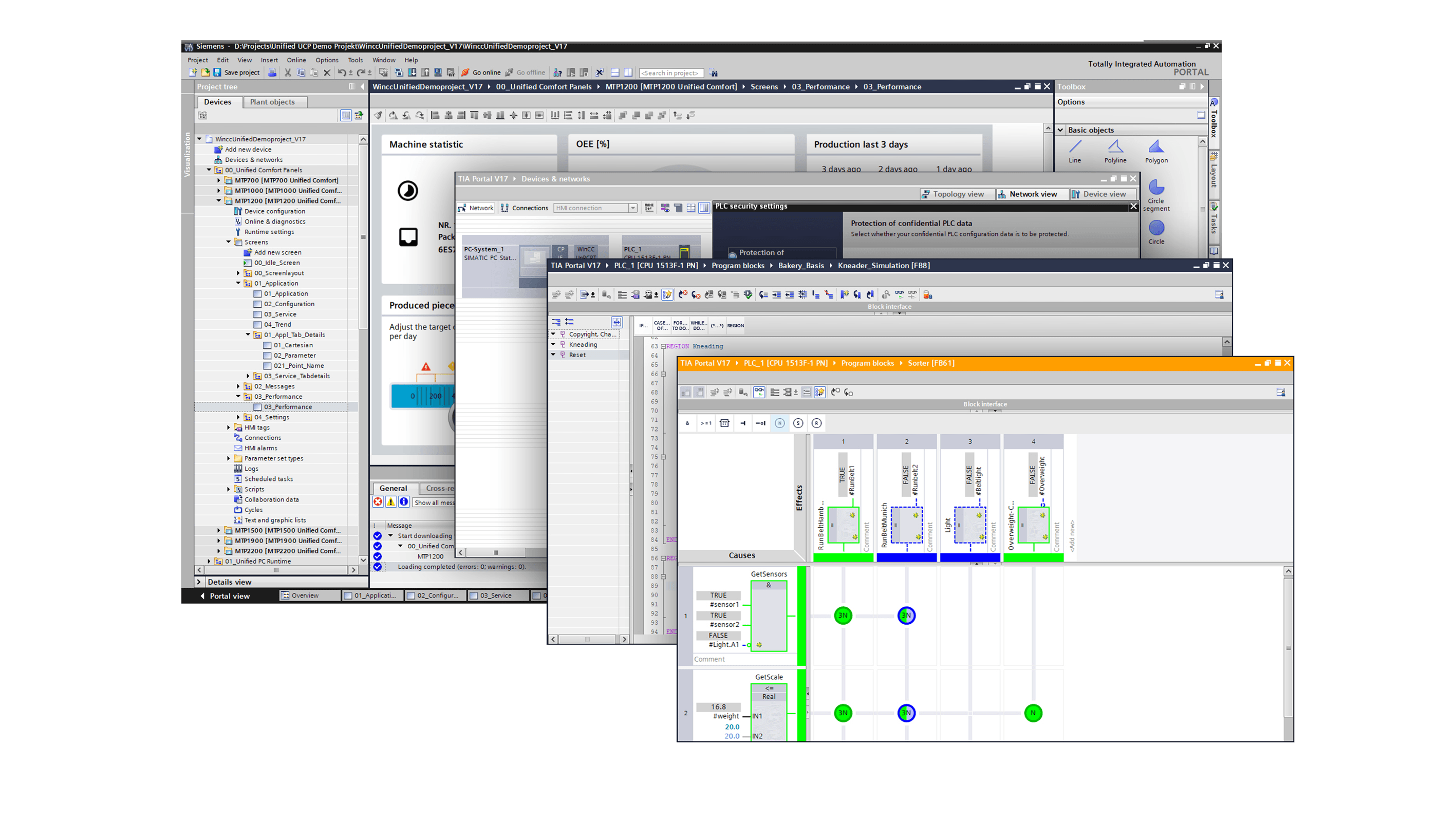
For many years, Step 7 has been the backbone of Siemens S7-300 and S7-400 PLC programming. However, with the rise of TIA Portal (Totally Integrated Automation Portal), Siemens has unified PLC, HMI, and drive engineering into one powerful platform. If your factory is still running on Step 7, sooner or later you’ll need to migrate your projects to TIA Portal. Here’s a practical guide to help you make the transition smoothly.
Why Move from Step 7 to TIA Portal?
-
Future Support: Siemens focuses all new features on TIA Portal, while Step 7 support is gradually phasing out.
-
Integrated Engineering: PLC, HMI, and drives can all be configured in one environment.
-
Modern Hardware: Newer PLC families (S7-1200, S7-1500) are only supported in TIA Portal.
-
Improved Usability: Better diagnostics, tag handling, and engineering efficiency.
Key Migration Considerations
-
Check Your Hardware
-
S7-300 and S7-400 PLCs can be migrated, but older modules may not have direct equivalents.
-
If you plan to upgrade to S7-1500, keep in mind that some instructions and memory structures differ.
-
-
Use Siemens Migration Tool
-
TIA Portal has a built-in migration wizard for Step 7 projects.
-
Not everything transfers perfectly—especially system functions and special blocks—so manual adjustments are often needed.
-
-
Verify Libraries and Blocks
-
Check for OB, FB, and FC compatibility.
-
Some legacy functions may not exist in TIA Portal and need re-engineering.
-
-
HMI Migration
-
WinCC Flexible projects can also be migrated into TIA Portal.
-
Some graphics or tags may require re-mapping.
-
-
Test, Test, Test
-
Simulate your migrated project before downloading it to the PLC.
-
Validate alarms, communication, and cycle times.
-
Best Practices for a Smooth Transition
-
Start with a Pilot Project: Don’t migrate the entire plant at once. Test the process on one line or machine first.
-
Document Everything: Record old hardware, addressing, and I/O structures before migrating.
-
Train Your Team: TIA Portal has a different workflow; invest in training to reduce mistakes.
-
Keep Backup Copies: Always keep original Step 7 projects archived in case you need to roll back.