
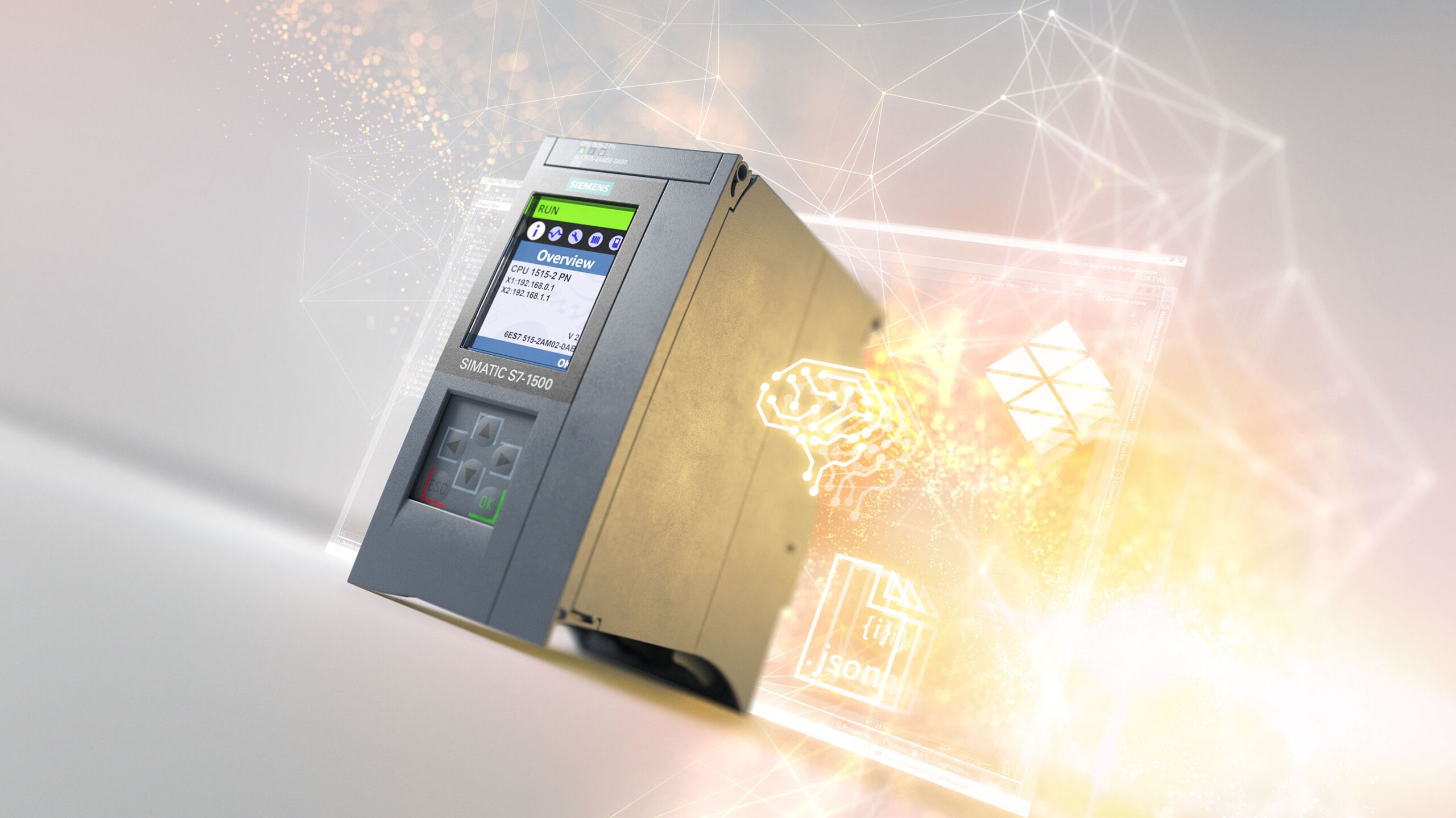
The Siemens S7-1500 PLC family is one of the most powerful in the automation world, but to unlock its full potential, engineers need to go beyond default settings. Optimizing your project can dramatically improve scan times, responsiveness, and system stability.
🔹 Why optimization matters
In complex systems — packaging lines, high-speed conveyors, motion control — even milliseconds count. A poorly structured program or inefficient communication setup can create cycle time bottlenecks and unexpected delays.
🔹 Best practices to optimize S7-1500 performance
-
Use Optimized Data Blocks (DBs)
-
Enable “Optimized Block Access” in TIA Portal.
-
This reduces memory overhead and speeds up variable access.
-
-
Structure your code efficiently
-
Break down logic into modular FBs and FCs.
-
Avoid deeply nested IF statements; consider using CASE structures for clarity and speed.
-
-
Leverage Cyclic vs. Event-Driven Execution
-
Move non-critical tasks to slower OBs (e.g., OB35 for timed interrupts).
-
Use hardware interrupts where fast response is essential.
-
-
Optimize communication
-
Limit unnecessary cyclic data exchanges.
-
Use PUT/GET sparingly; prefer optimized PROFINET communication.
-
-
Use the PLC’s performance monitoring tools
-
In TIA Portal → “Task and Cycle Monitoring” shows where time is consumed.
-
Identify heavy code blocks and streamline them.
-
-
Keep the firmware and TIA Portal updated
-
Each version improves compiler optimizations and performance.
-
🔹 Real-world example
A bottling plant reduced scan time from 12 ms to 3 ms simply by restructuring logic, moving diagnostics to slower cycles, and enabling optimized DB access. The improvement not only stabilized the process but also increased throughput by several thousand bottles per day.
💡 Pro tip: Always simulate and test cycle load in TIA Portal before commissioning. Optimization isn’t about overclocking the PLC — it’s about matching performance to process needs without wasting resources.